HomeDesigns AI Review
Have you ever found yourself stuck staring at a blank screen, wondering if there’s a better way to show clients design options without endless back-and-forth?
I’ve been there too. That’s when I discovered interior design software powered by artificial intelligence.
Homedesigns.AI caught my attention because it generates realistic furniture layouts in less than 30 seconds. According to a 2026 report by Grand View Research, the AI interior design market reached $3,282.3 million in 2025 and is projected to hit $15 billion by 2033, growing at nearly 21% annually in the US. This technology is clearly changing how we work.
In this HomeDesigns AI Review, I’ll share how virtual room visualizations and smart AI design tools can save you hours and help you close more projects. Curious if this platform fits your workflow? Let’s walk through what real users have discovered.
Overview of HomeDesigns AI
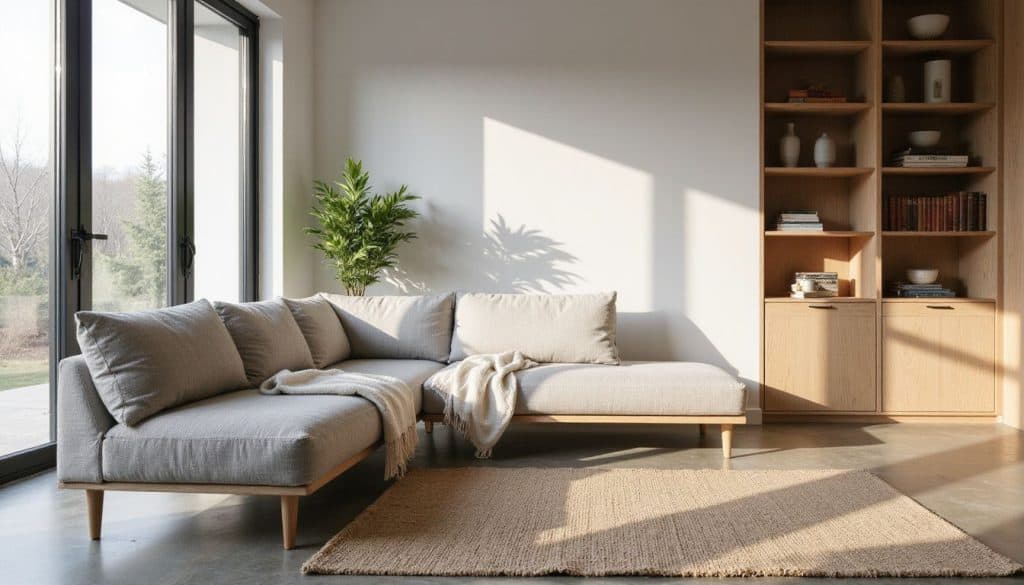
HomeDesigns AI uses machine learning to suggest design styles, furniture layouts, and color palettes for all kinds of interiors. I launched the web application on Chrome, and it works just as smoothly on Firefox, Safari, Android, and iOS devices.
In January 2026, the platform surpassed 2.5 million users worldwide and launched a new Expert Plan featuring AI video generation and 2D to 3D floor plan conversion. I find that pace of growth pretty impressive for any PropTech tool.
Key features of the software
HomeDesigns AI packs digital tools I rely on throughout my design process. Here’s what stands out:
- A powerful AI room generator creates new interiors in seconds using just a photo from my phone or desktop.
- The virtual staging feature fills or empties rooms with furniture, letting me test layouts without moving anything in real life.
- I use the drag-and-drop tool to reposition objects instantly. It feels like arranging real pieces on a screen.
- Customizable templates cover over 160 design styles (everything from minimalistic to bold), so I adapt designs for any client’s taste while saving time.
- The VR 3D visualization brings spaces to life. Clients can almost walk through their future interiors right in their browsers or mobile apps.
According to a 2024 Houzz industry report, AI adoption among home renovation professionals has more than doubled in the past year. This shift shows how essential these tools have become for staying competitive.
An AI-powered system suggests decor choices and color palettes by learning my preferences. It’s a real creativity booster. High-quality image downloads make client presentations easy, from sleek Pinterest boards to polished real estate listings.
Integration works across Chrome, Firefox, Safari, Android, iOS, macOS, and even PC desktops. The cloud-based platform stores projects securely and lets me switch devices without losing progress, which honestly makes juggling multiple projects much simpler.
Target audience for HomeDesigns AI
Homeowners looking to remodel or build a new home make up a big part of the user base. Many architects and interior designers like me use homedesigns.ai for quick virtual room visualizations and fresh decor choices. I can access it on both the web and mobile, which fits into my busy schedule.
Real estate agents rely on these AI design tools too. They use the platform for home staging, listing enhancement, and creating furniture layouts. Most find the service affordable compared to hiring a professional designer in person. This is key for small businesses and B2B clients across real estate or design sectors.
About 70% of users say their satisfaction grows after redesigning with generative artificial intelligence features from this AI software. I noticed this myself after tweaking color palettes multiple times. Landscapers now get value too since they can try out exterior ideas or garden layouts before breaking ground. Virtual staging isn’t just about indoor spaces anymore.
User Experience and Interface
I noticed right away that HomeDesigns AI has a layout that just makes sense, even if you’re not a tech expert. The design tools and virtual room visualizations let me try new decor choices without feeling lost.
Ease of navigation and usability
Nothing frustrates me more than clunky software. HomeDesigns AI keeps things smooth.
The drag-and-drop feature for furniture layouts feels intuitive. UI updates in 2023 really helped. Menus are clearer now, and color palettes snap into place without a hitch.
Some users have said the simple layout trims design time by half, especially when picking texture or switching between decor choices. Consistent buttons and clear icons matter. Nobody wants to play hide-and-seek just to find that AI furniture finder they need.
Cloud computing speeds up the visuals in each room. I love how even those new to interior design feel at home in minutes, though pros won’t get bored eithe,r since every key feature is right where it should be.
Accessibility for beginners and professionals
That easy layout I mentioned sets up great access for many users. Both beginners and pros can jump right in, thanks to the step-by-step guide from account setup to sharing design ideas.
HomeDesigns AI lets even those with zero experience start virtual room visualizations or test different furniture layouts without needing fancy design skills. The platform uses a user-centered design that supports diverse needs. JavaScript must be switched on for all features to run well, which some folks might find tricky.
People with disabilities get support too since inclusive tools were added from the start. Novice homeowners and pro interior designers alike use these ai tools every day for visualizing renovations, picking color palettes, or flipping through decor choices using smart ai algorithms.
Core Functionalities of HomeDesigns AI
HomeDesigns AI packs powerful AI design tools that turn your room photos into smart virtual room visualizations. You’ll see quick decor choices and color changes in just a few clicks.
Virtual room visualization
I uploaded a room photo and got a furnished version in under 30 seconds. The AI-powered tool let me try out over 80 design styles with all kinds of decor choices, from minimalist to boho-chic. One click, and I saw different sofas, bright rugs, and wall textures.
Honestly, it felt like moving furniture without breaking a sweat. These virtual staging features mean I can show real estate clients several looks before anyone starts painting or shopping for new lamps.